
Get a floor plan from your AI
Pick the way in that suits you. They run from the least set-up to the most. The playground is for looking around: open a plan, change a number, see what moves. Every other way in has your AI write the ArchLang, and the compiler draws a dimensioned plan and tells your AI what is wrong with it.
1 Open a plan in your browser
Nothing to install. Pick a plan, drag one of its numbers and hover a room for its area. Source shows the ArchLang text behind the drawing, and you can edit it there.
Playground ↗in the browser
2 Ask ChatGPT
Add the ArchLang app in ChatGPT, then describe the plan you want. ChatGPT writes ArchLang, the compiler draws the plan and reports what is wrong, and ChatGPT can fix it from that message. Nothing to install; you need a ChatGPT account.
ArchLang app in ChatGPT ↗no install
Then ask, for example:
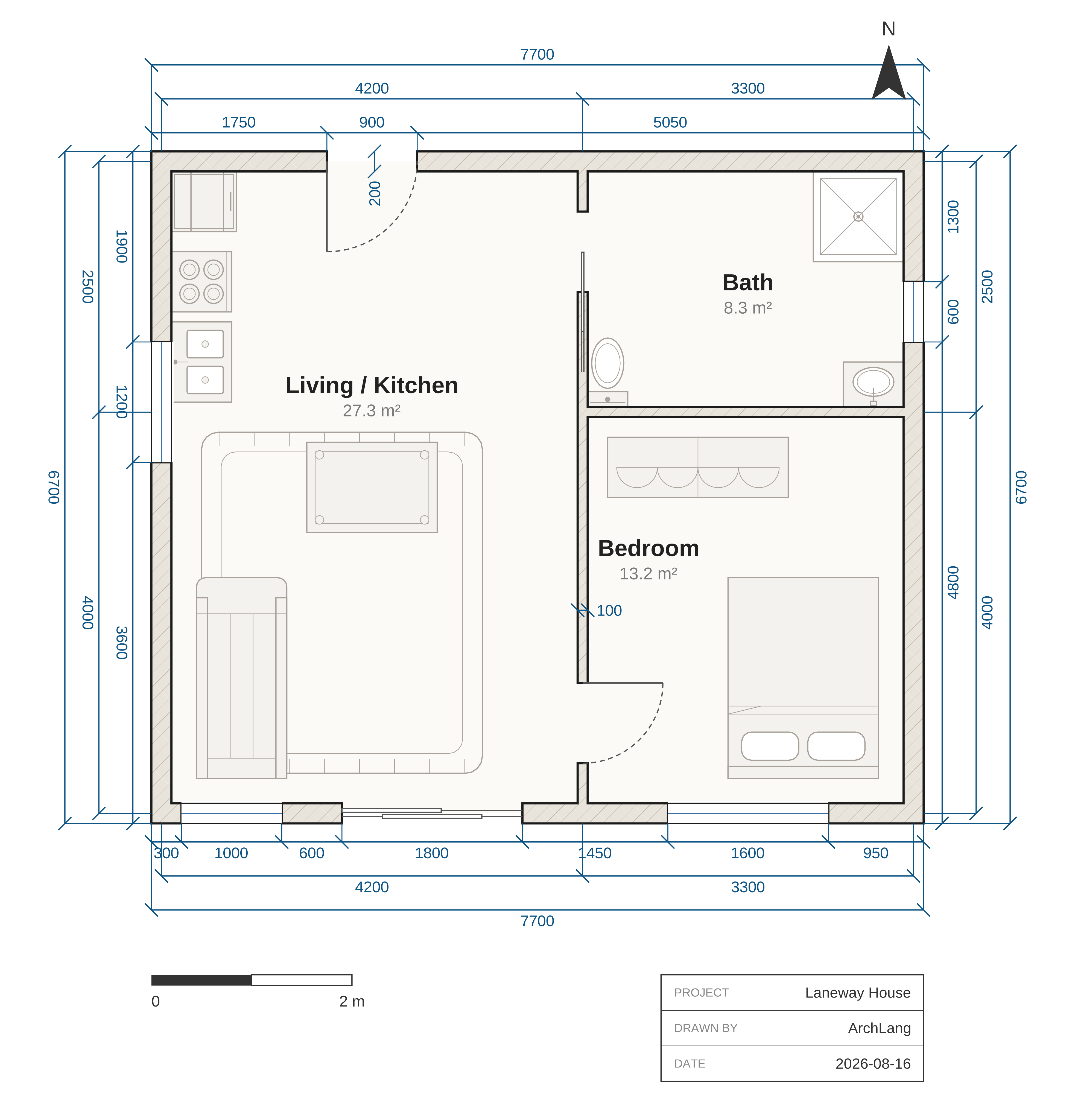
Draw a two-bedroom flat of about 75 m² as an ArchLang plan, and check it.What comes back: the compiled plan, each room labelled with its area, and any problems the compiler found.
3 Ask Claude on claude.ai
Add the hosted ArchLang server as a custom connector in claude.ai's settings, then ask for a plan. Nothing to install; you need a claude.ai account.
claude.ai connector · no install; add as a custom connector
https://mcp.archlang.uk/mcp- In claude.ai, open Customize > Connectors.
- Click + Add, then Add custom connector.
- Name it ArchLang, paste the server URL and click Continue.
- Review the authentication settings, click Continue, choose No sign in, then click Add.
These are the steps on Pro and Max. On Team or Enterprise, an Owner adds it under Organization settings > Connectors (see the help page).
4 Ask your coding agent
Paste this prompt into Claude Code, Codex, Cursor or any agent that can run commands. It adds the ArchLang skill, reads the language, writes your plan, compiles and checks it, and fixes what the compiler reports, or shows you the message.
1. Run: npx -y skills add ChanMeng666/archlang --yes
2. Run: npx -y @chanmeng666/archlang spec   (read it before writing anything)
3. Write my floor plan as plan.arch from this brief: <describe rooms, areas, adjacencies>
4. Run: npx -y @chanmeng666/archlang compile plan.arch -o plan.svg --json
   then describe plan.arch --json, validate plan.arch --strict --json (same prefix); fix, recompile
5. Run: npx -y @chanmeng666/archlang finish plan.arch, then compile again to export.
Starting from a photo or PDF? Read https://archlang.uk/from-an-image. To change one room without moving the others, use `impact --lock` (https://archlang.uk/edit-one-room).Claude Code, connected to the hosted server:
claude mcp add --transport http archlang https://mcp.archlang.uk/mcpThe skill on its own: skills.sh ↗
npx -y skills add ChanMeng666/archlang --yes5 Write it in VS Code
The extension highlights .arch files, shows the compiler's errors and warnings as you type, offers its quick fixes, and draws an arch fence in the Markdown preview.
Watch the film
What next
- Floor plans written by AI agents: one-paragraph briefs and the plans agents wrote from them.
- Starting from a photo or a PDF: your AI reads the image; ArchLang does not.
- Change one room without moving the others:
impact --lockchecks an edit. - The guide: what the language looks like, one statement at a time.
Who maintains it
ArchLang is maintained by Chan Meng, a single maintainer. It is written with AI coding agents, and changes are checked in CI. How decisions are made: GOVERNANCE.md.