
The 3D preview of a floor plan
Same source, plan and 3D preview. The 3D preview is extruded from the same .arch file by the separate archlang-3d package, and checked against the plan. You can also download it as a validated GLB.
ArchLang draws plans. The 3D preview comes from a separate package, @chanmeng666/archlang-3d, which reads the same .arch source and the core's own drawing of it: the walls stand on the plan's walls, the openings sit where the plan puts them, and the stairs keep the plan's treads. The compiler itself gains no 3D option, and its SVG, PDF and DXF stay as they are. Every picture and replay on this page was made by that package from a plan in the repository.
The drafting-order replay draws the plan, then raises it into the 3D preview, so you can see which line of the drawing each part comes from.
Plans beside their 3D preview
studio.arch
Play the replay (MP4) · Download GLB (96 kB) · Open in the playground (3D) · Plan source
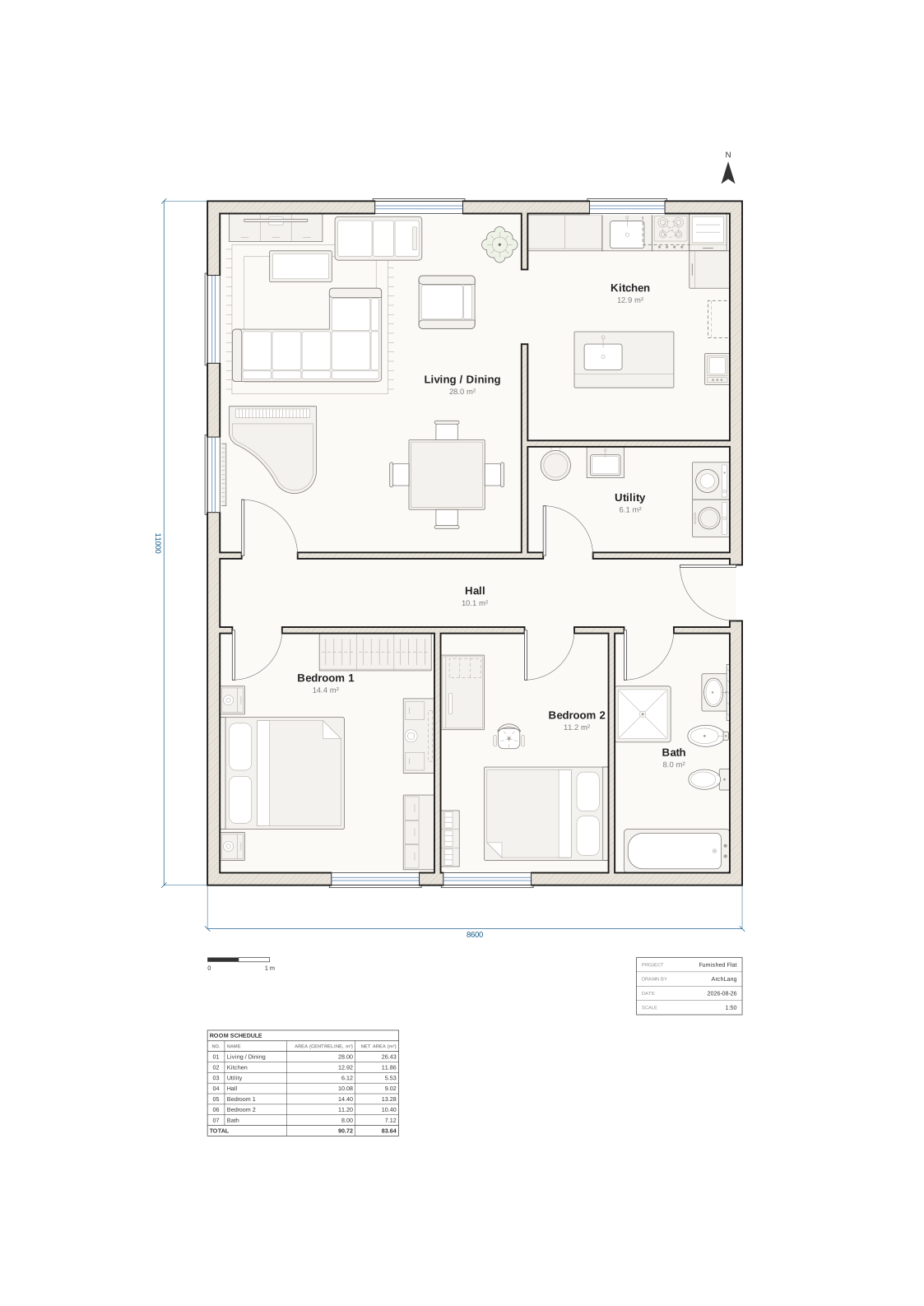
furnished-flat.arch
Play the replay (MP4) · Download GLB (377 kB) · Open in the playground (3D) · Plan source
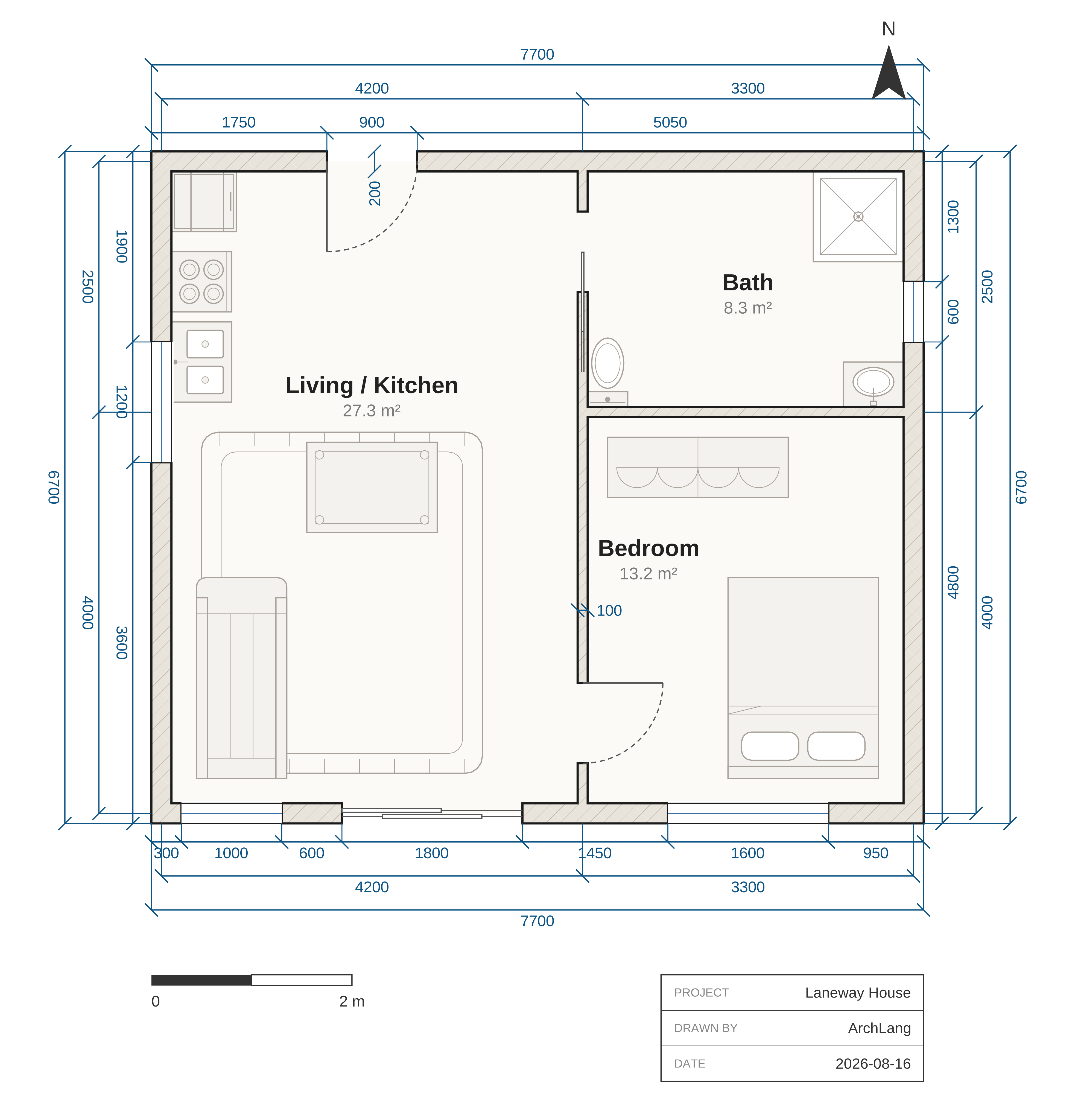
laneway-house.arch
Play the replay (MP4) · Download GLB (112 kB) · Open in the playground (3D) · Plan source
knob-flat.arch
Play the replay (MP4) · Download GLB (88 kB) · Open in the playground (3D) · Plan source
two-storey.arch
Play the replay (MP4) · Download GLB (123 kB) · Open in the playground (3D) · Plan source
turning-stair.arch
Play the replay (MP4) · Download GLB (29 kB) · Open in the playground (3D) · Plan source
bungalow.arch
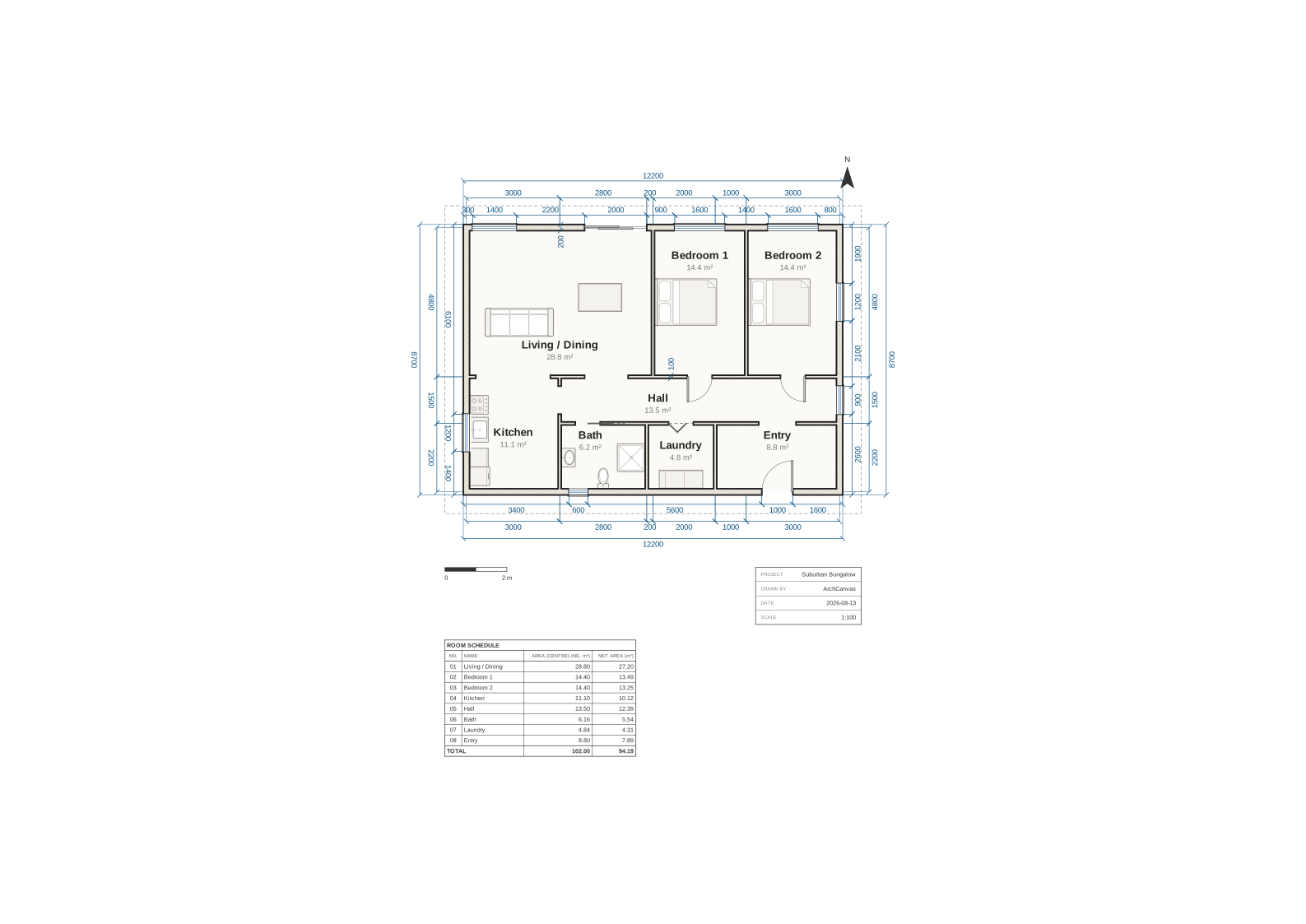
The plan 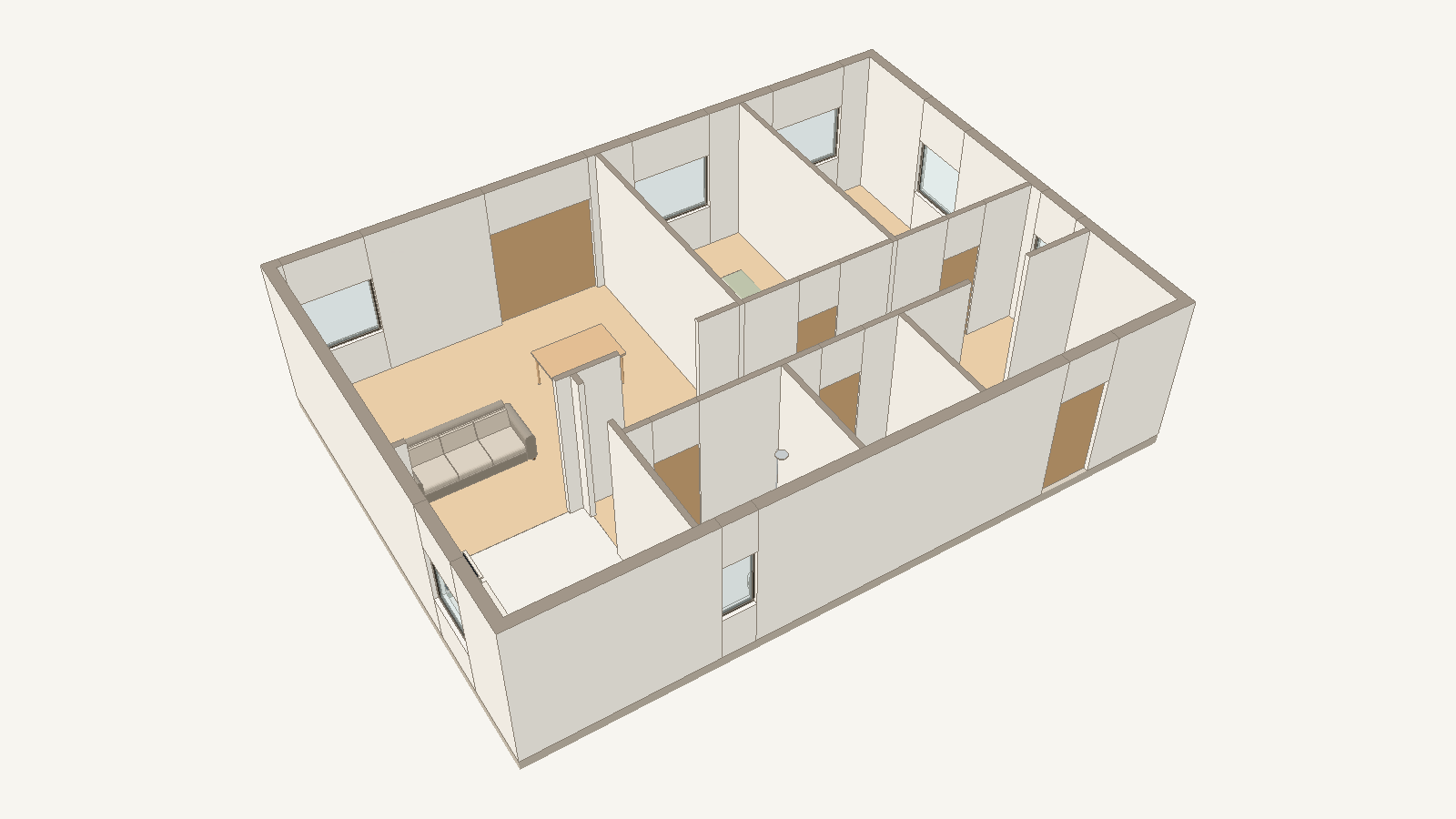
The 3D preview Download GLB (139 kB) · Open in the playground (3D) · Plan source
courtyard-house.arch
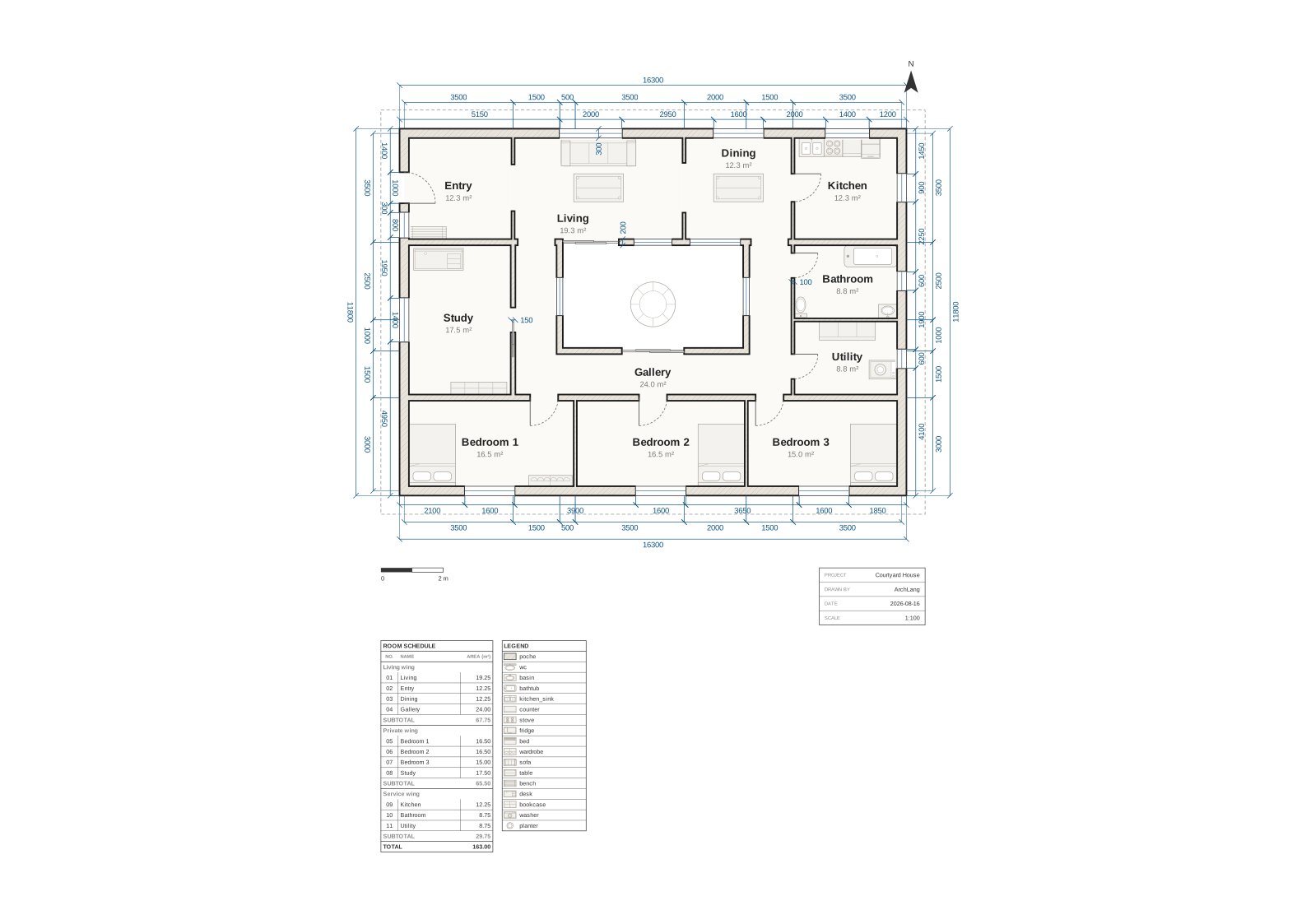
The plan 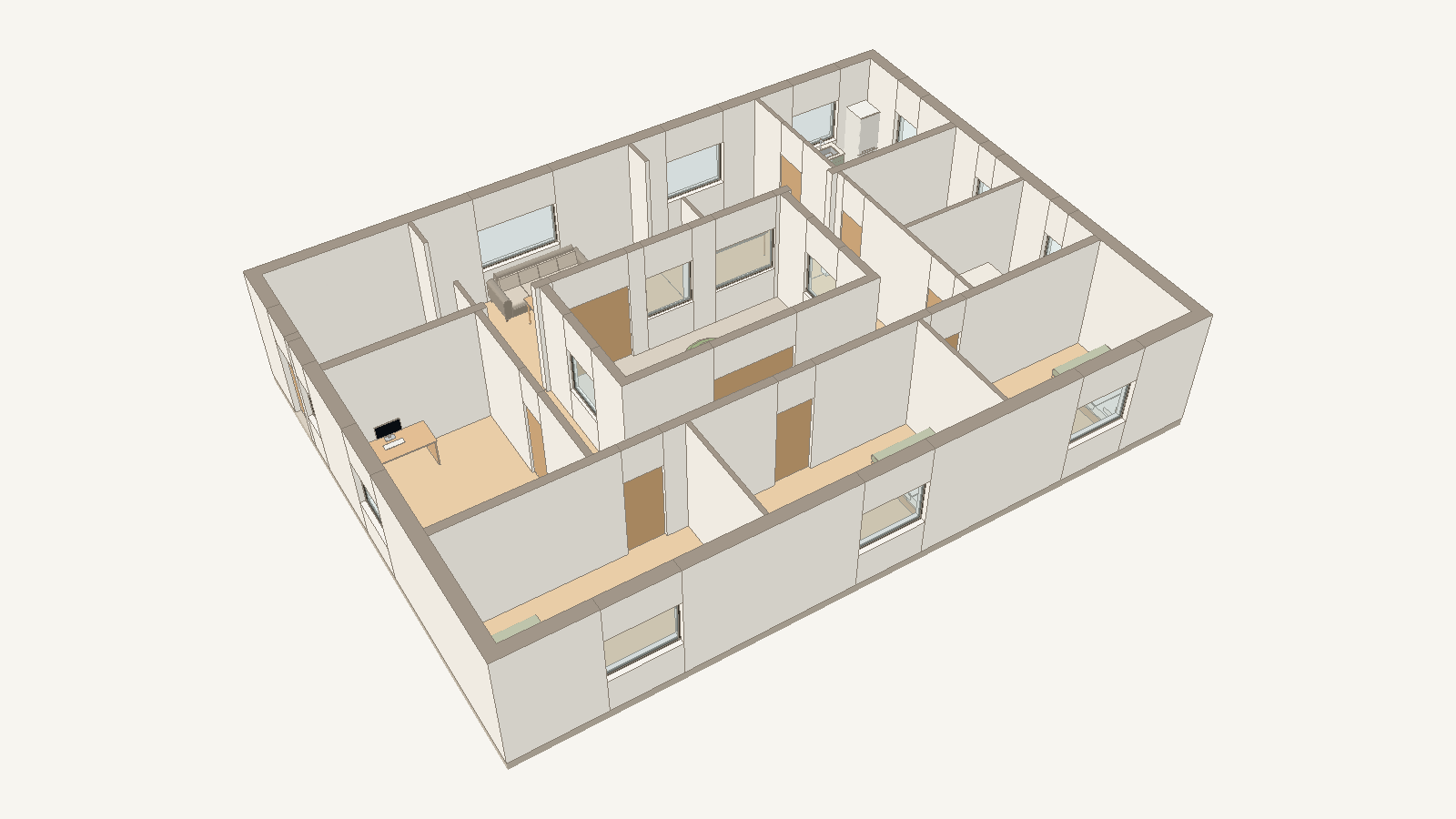
The 3D preview Download GLB (235 kB) · Open in the playground (3D) · Plan source
hillside-villa.arch
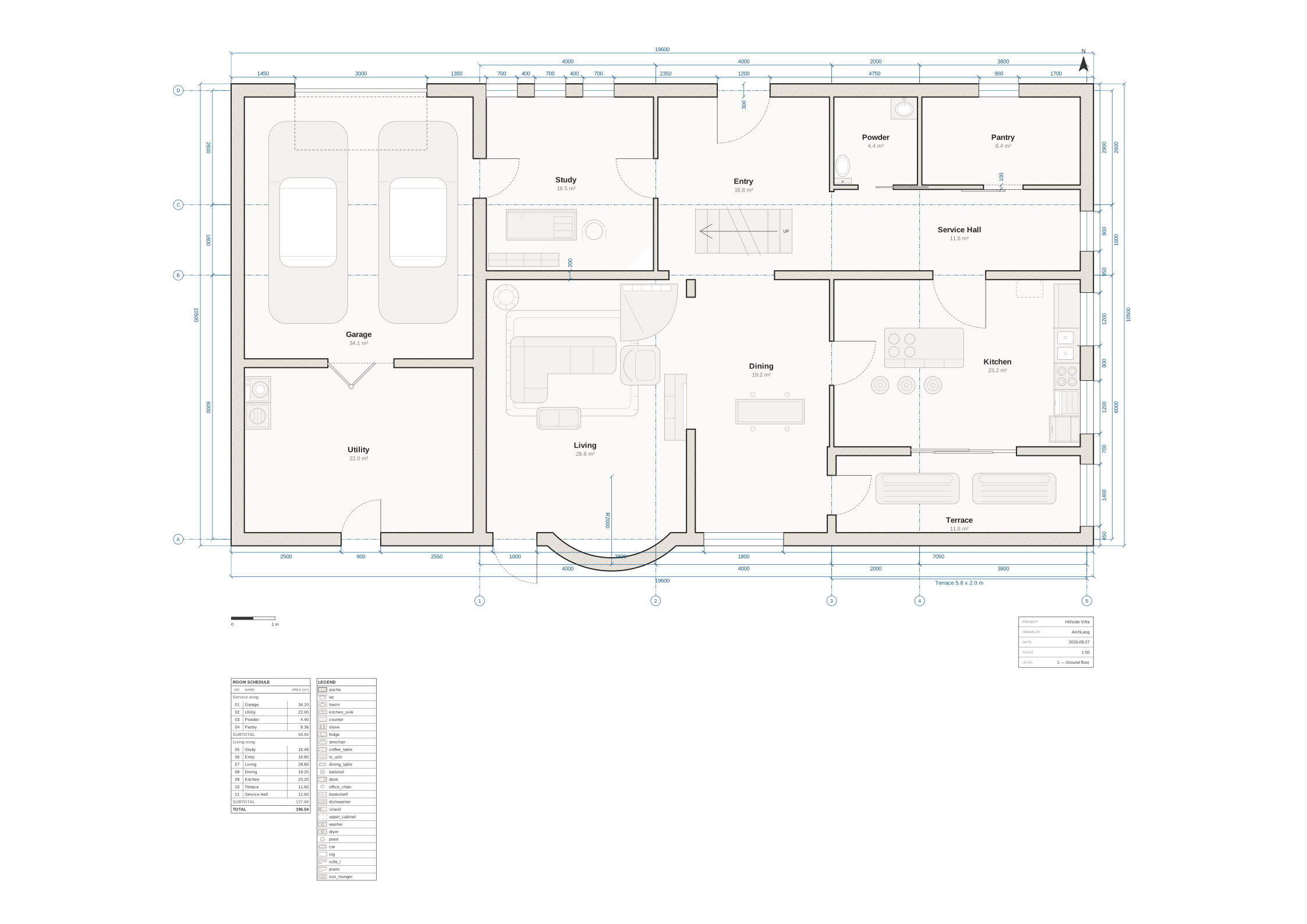
The plan, storey 1 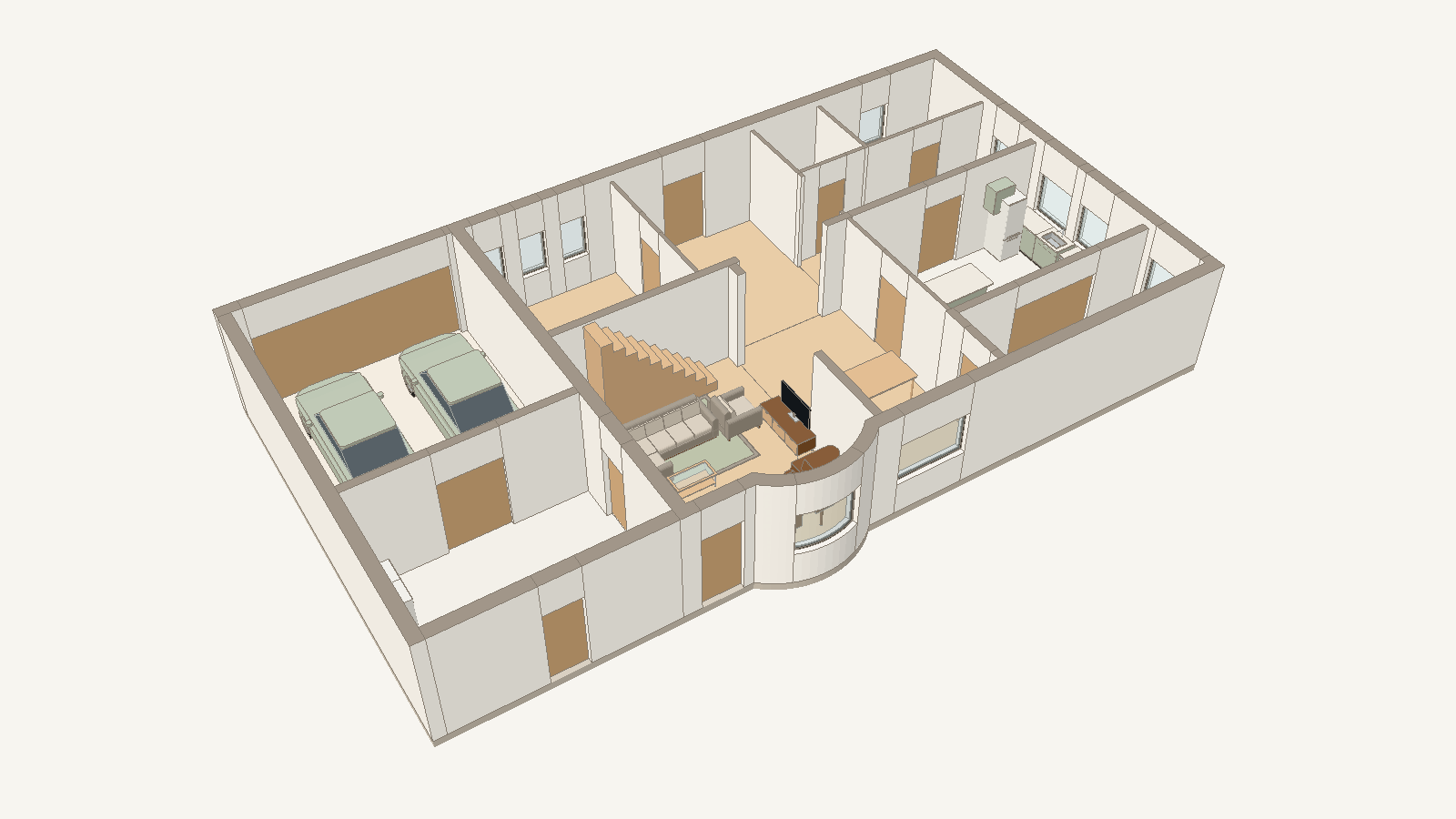
The 3D preview, storey 1 on its own Download GLB (564 kB) · Open in the playground (3D) · Plan source
corner-cafe.arch
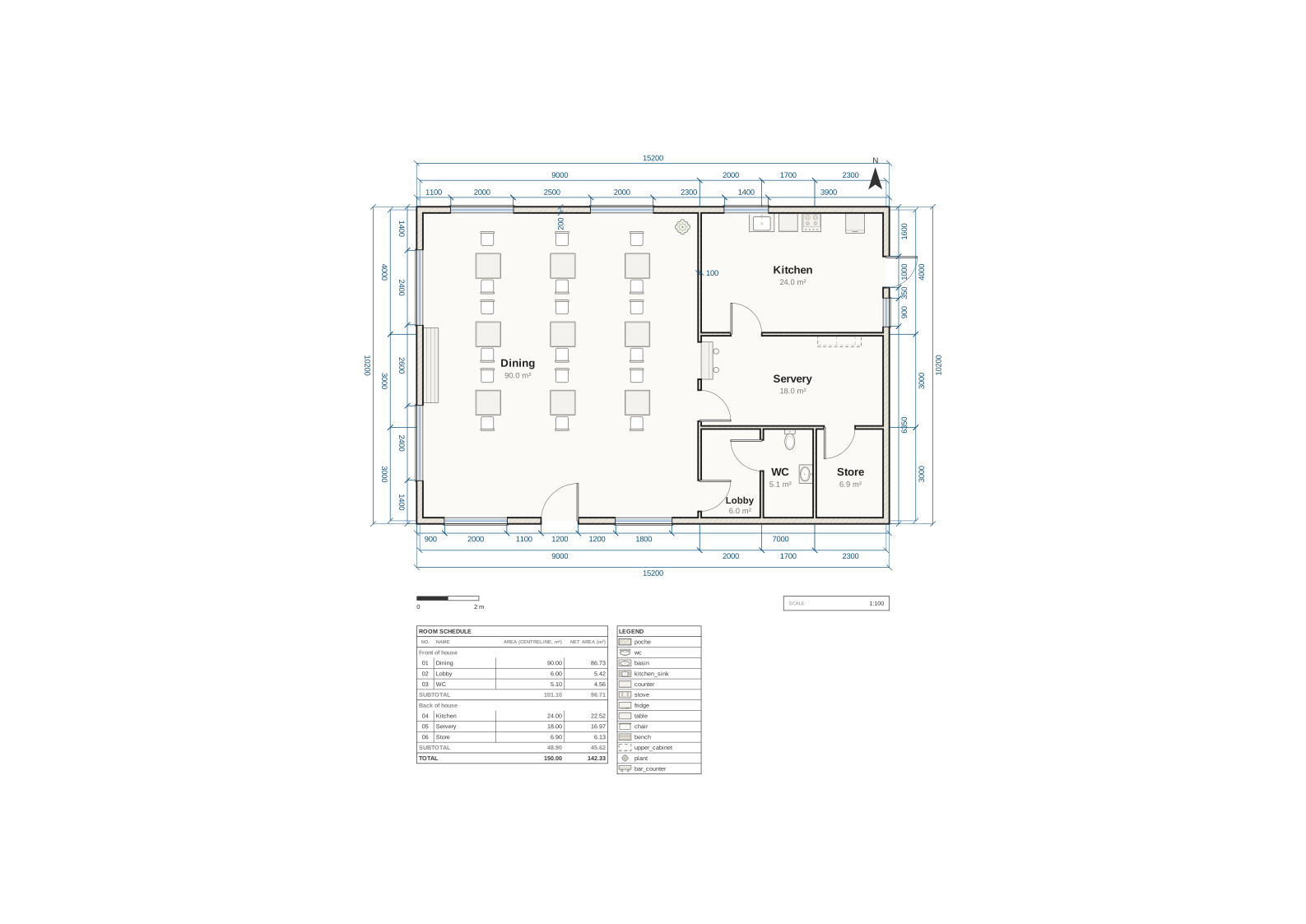
The plan 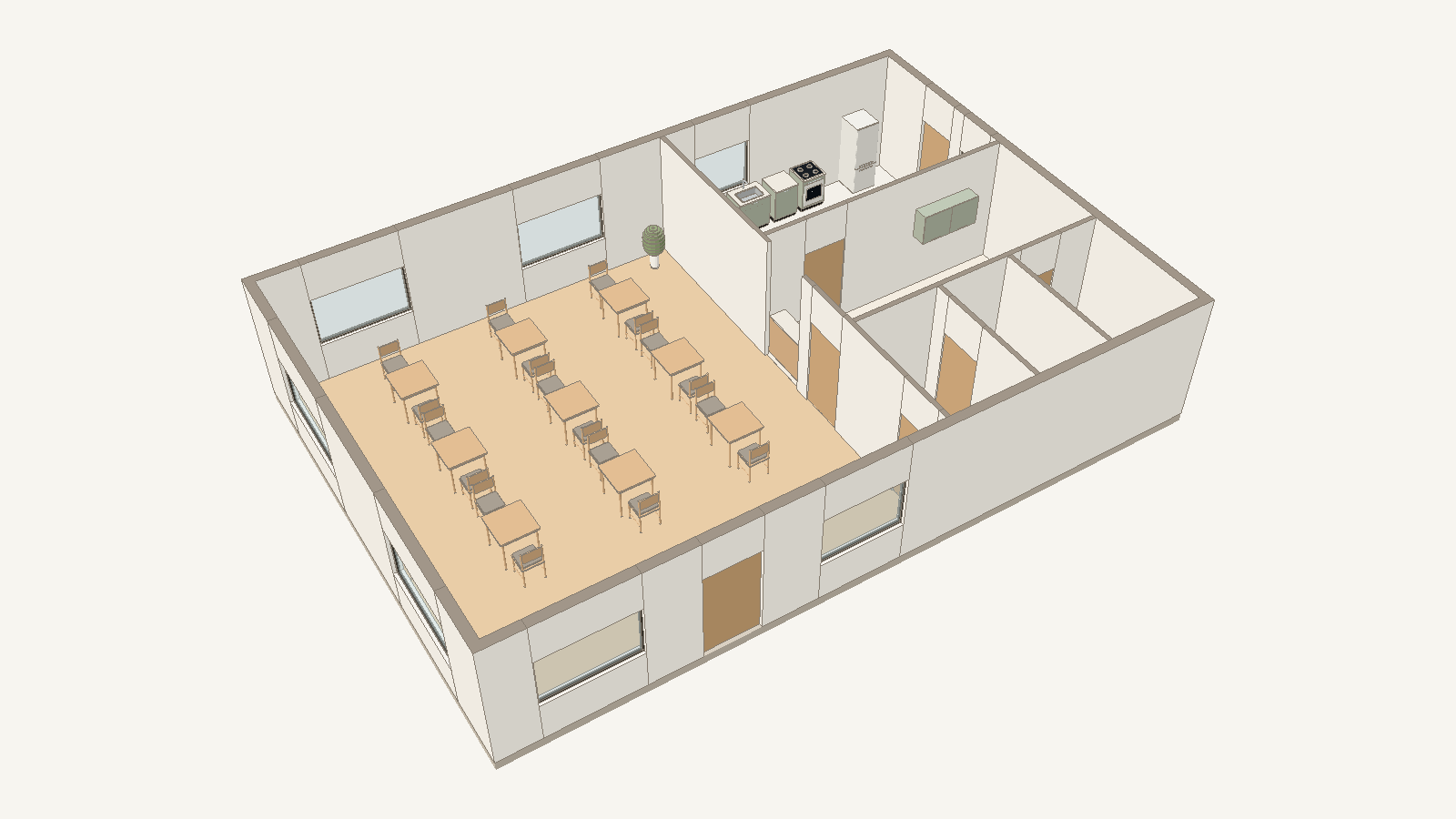
The 3D preview Download GLB (338 kB) · Open in the playground (3D) · Plan source
library.arch
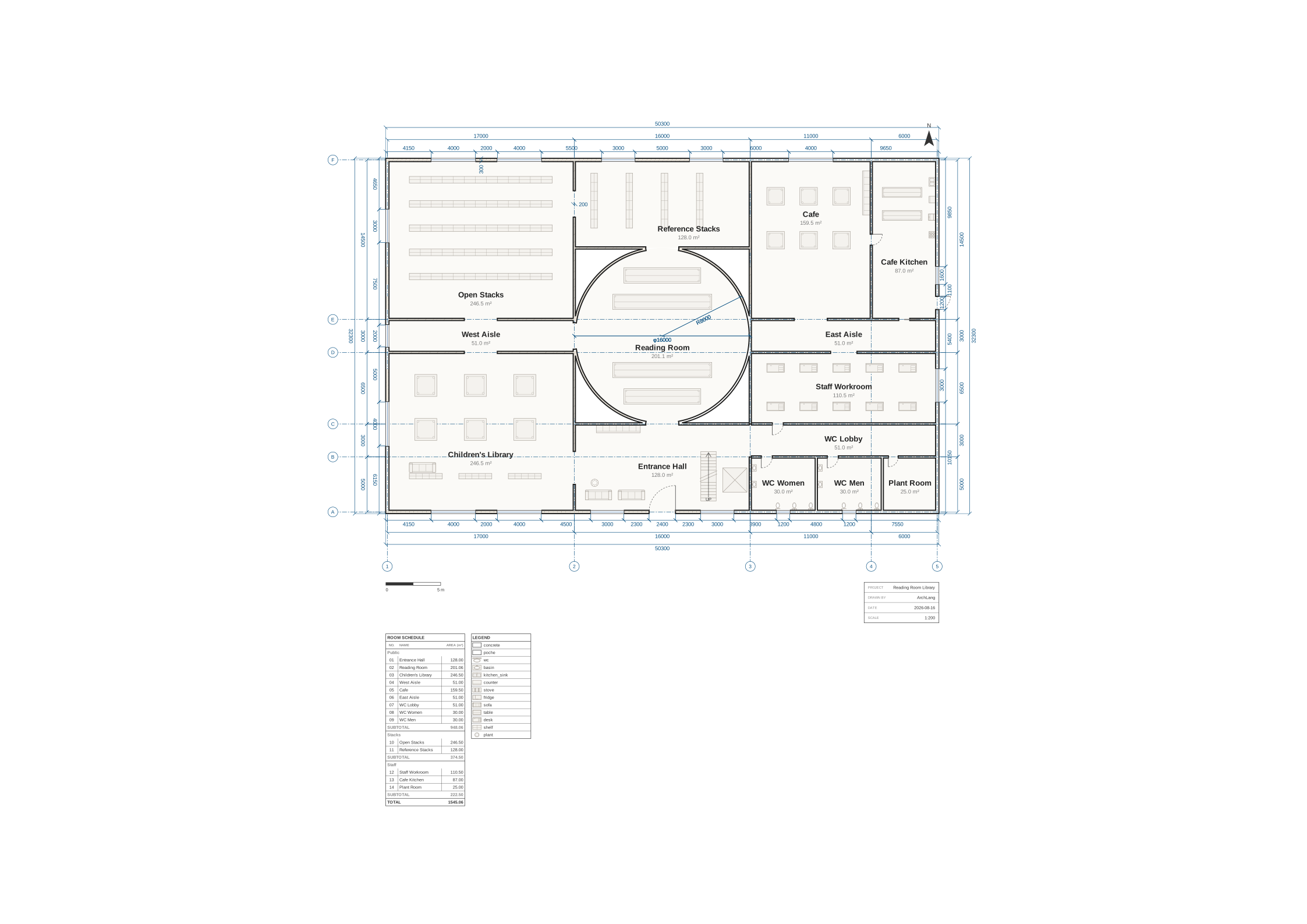
The plan 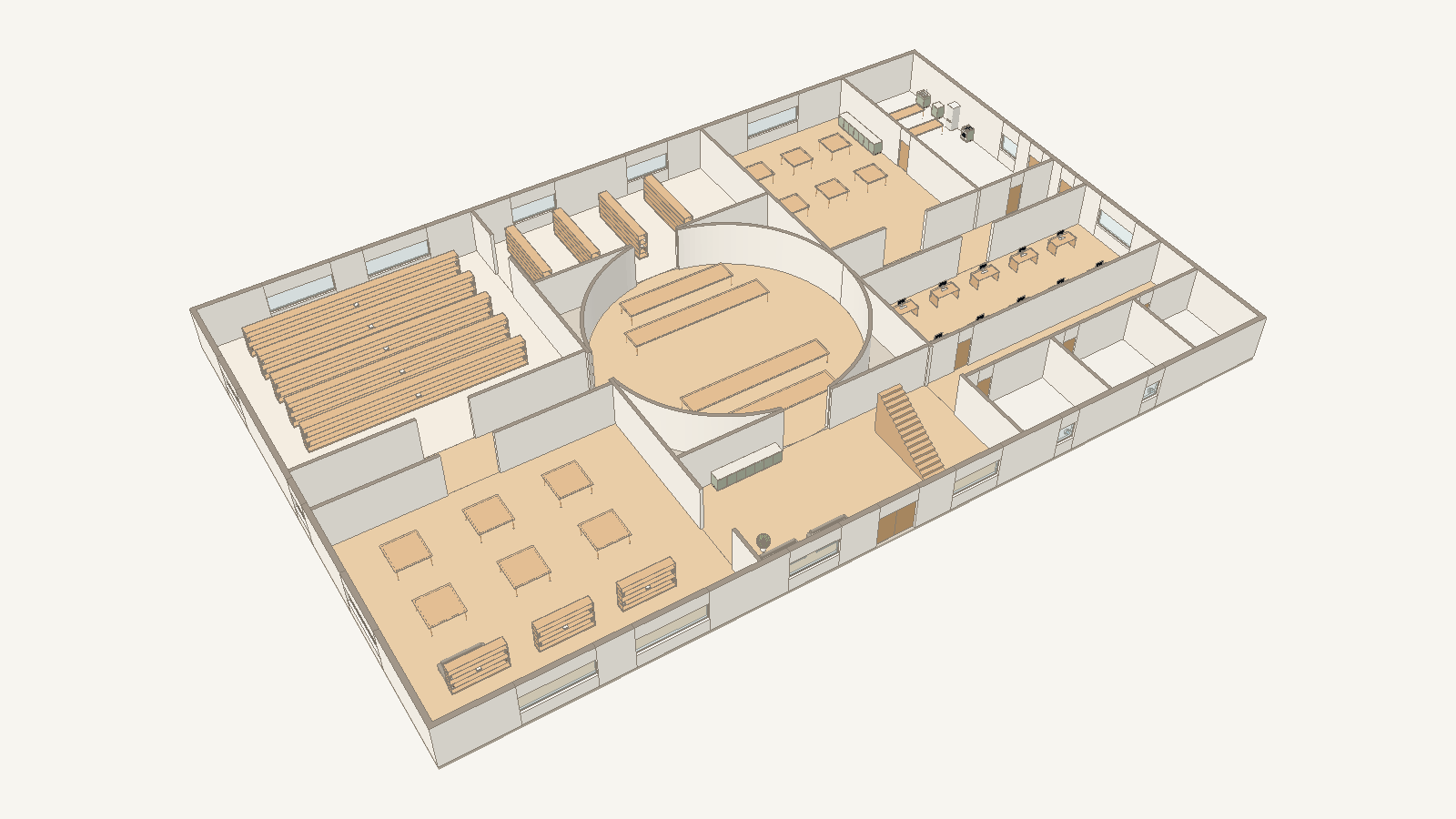
The 3D preview Download GLB (534 kB) · Open in the playground (3D) · Plan source




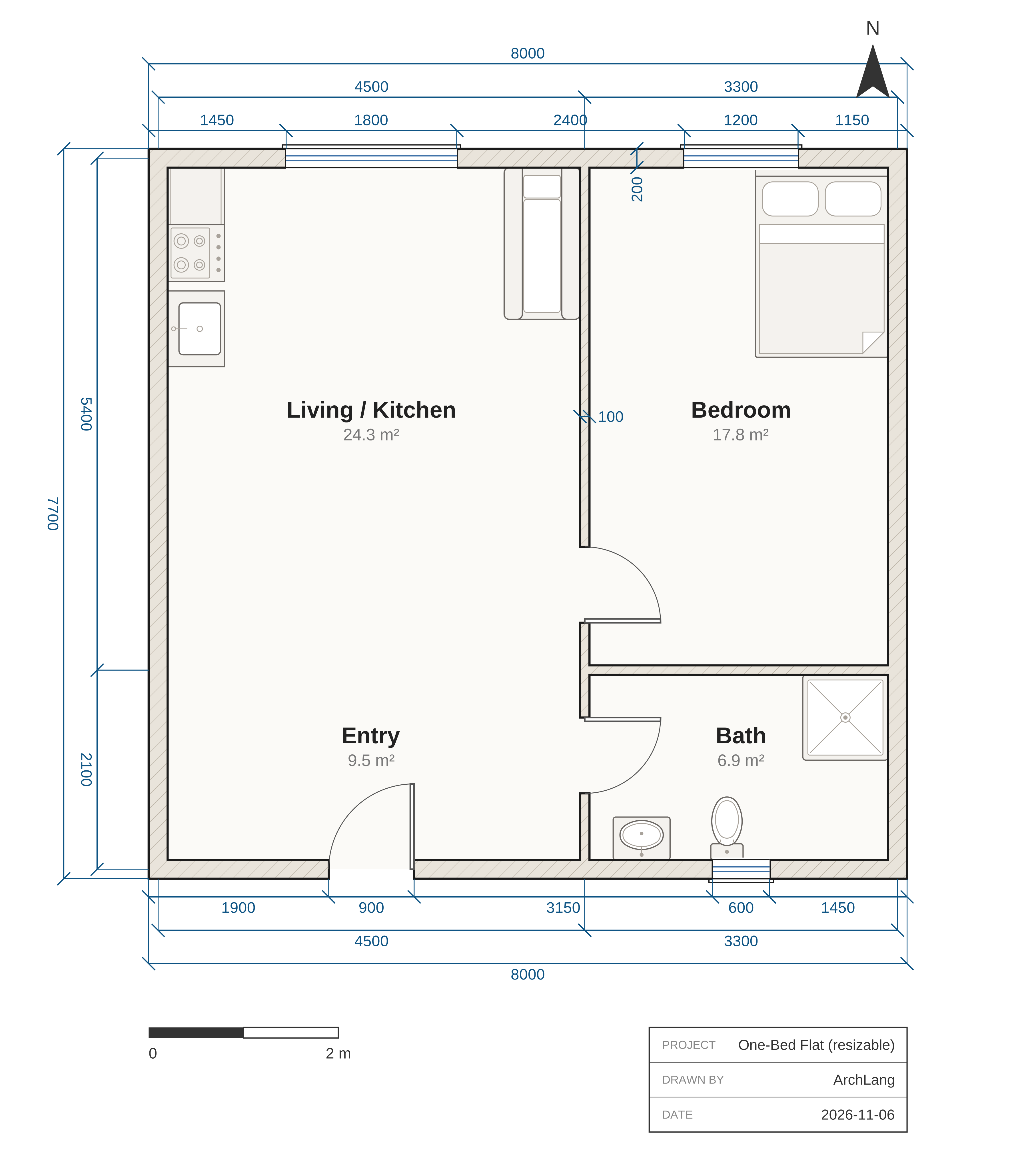

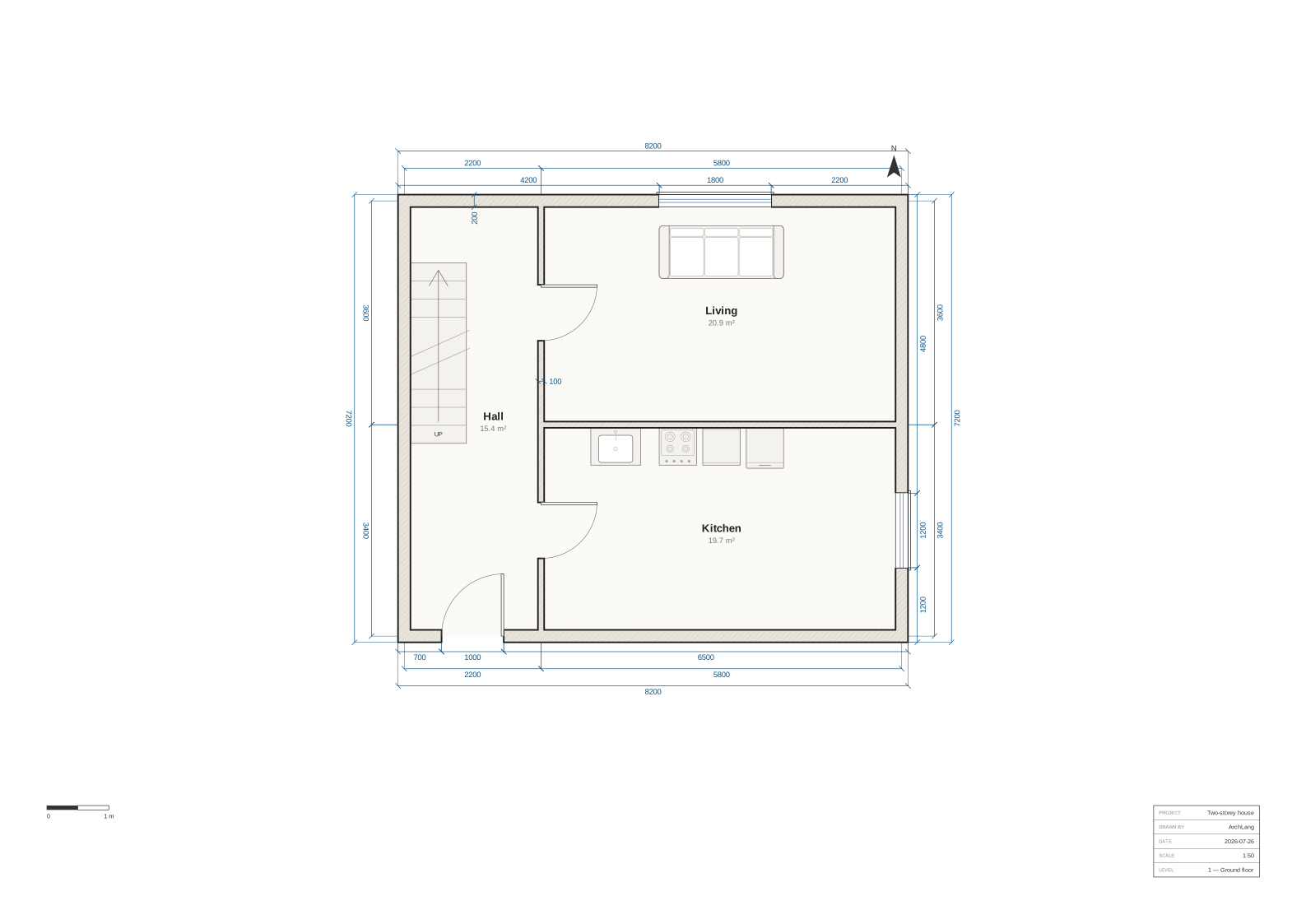

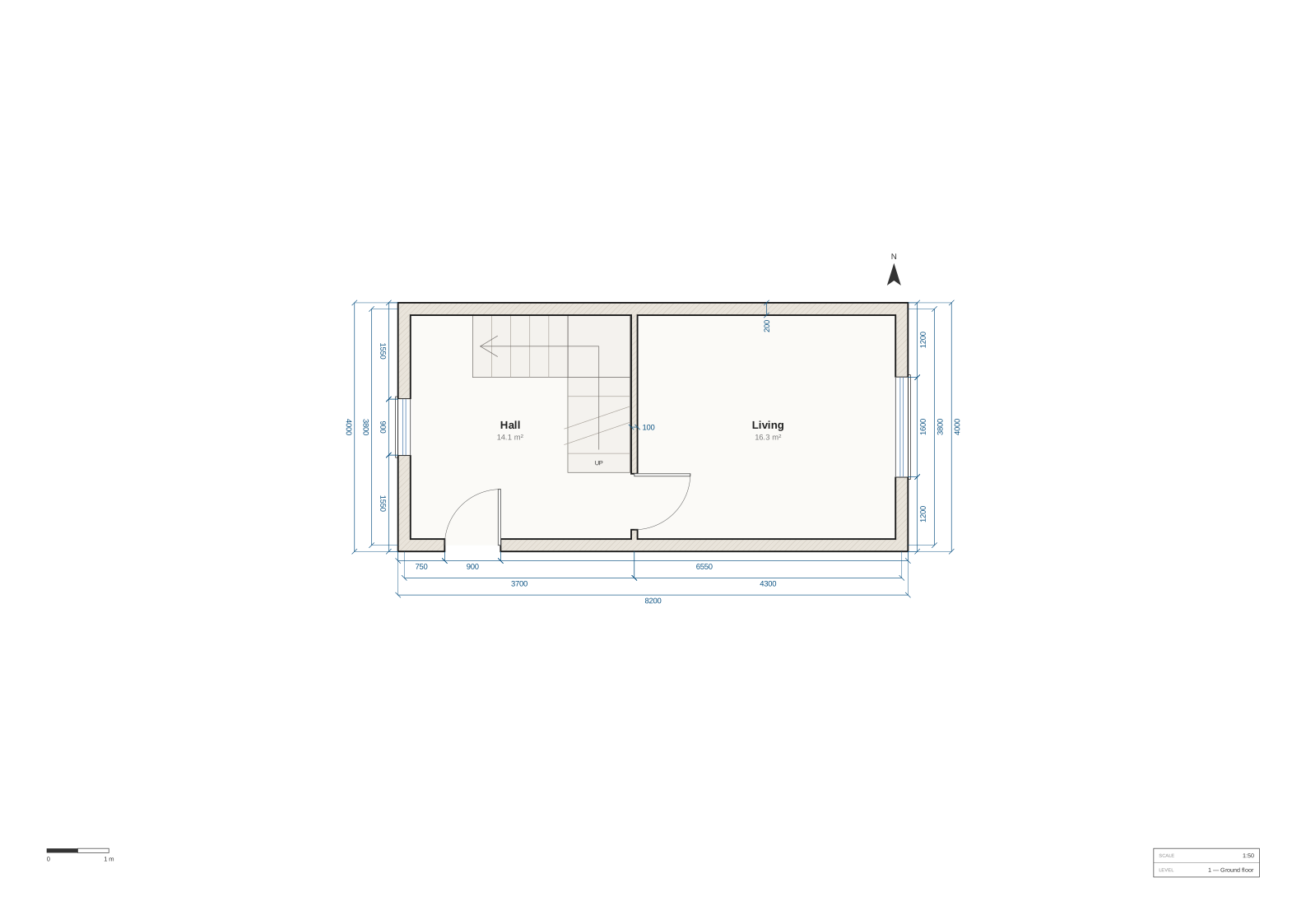


Get it for your own plan
In the playground, open a plan and switch the drawing from Plan to 3D (or choose Tools → 3D preview, which works with the editor open too). The preview is built in your browser from the plan on screen, and it is built again when you change the plan. Download GLB in the 3D view writes the GLB in your browser, as the build command below does; the browser does not run the glTF validator, so the command is the way to check a GLB.
From a terminal, with Node 20 or newer, the replay as one HTML file that opens offline:
sh
npx -y @chanmeng666/archlang-3d view plan.arch --replay -o replay.htmlAnd the GLB, for any glTF viewer:
sh
npx -y @chanmeng666/archlang-3d build plan.arch -o plan.glbbuild checks the GLB before it writes it, and writes nothing when a check fails. Add --json to see each check, and each value the package assumed. The package's README has every command and flag, and how to make the replay's video.
What it shows, and what it does not
3D preview: walls, openings, floors, stairs and furniture in flat colours; no pitched roofs yet, and no sections, elevations or BIM.
- Shown: the slab and each room's floor finish; walls from the plan's own joinery, with their sills and lintels; doors, windows and glass; curved walls; demolished walls as see-through ghosts; every catalogued piece of furniture, in flat colours from the package's own palette; straight and turning stairs with their landings; and the storeys, stacked at their heights.
- The roof is a flat slab, and it is hidden. Pitched roofs are not built yet.
- Doors are closed in the GLB and the replay.
build --doors planswings each hinged or double door as the plan draws it. - Heights are assumed where the plan does not state them. The core's defaults give a storey 3000 mm, a door or window head 2100 mm and a window sill 900 mm, and the package assumes the rest (a slab's thickness, a piece of furniture's height and mount, a stair's material). The package records each value it assumes, and
build --jsonlists them underassumptions. - Not shown: sections, elevations and construction detail. The 3D preview is a preview of the plan, not a design or construction document, and it carries no BIM data and no IFC export.
How it is checked
- Each GLB on this page passed the Khronos glTF Validator with 0 errors and 0 warnings, and its SHA-256 is recorded in
/3d/manifest.jsonbeside the plan's own hash. - The same plan and the same versions (core and archlang-3d) give the same GLB, byte for byte. A test pins one plan's GLB hash, and the freshness check (
npm run gen:3d-assets -- --check) rebuilds every GLB listed here and compares it with the hash in the manifest. - The package also checks every GLB against the plan before writing it: its nodes are the ones built from the plan, each named for its element, and every shell is closed.
- The posters and replays are generated, never drawn by hand. A replay's video bytes differ from one machine to the next, so the check compares each poster's frame, not the video.